Start with your image
Bring in a source image and prepare assets for Apple platforms.

App Asset Studio
Turn a source image into organised, correctly sized Apple app assets ready for your Xcode project.
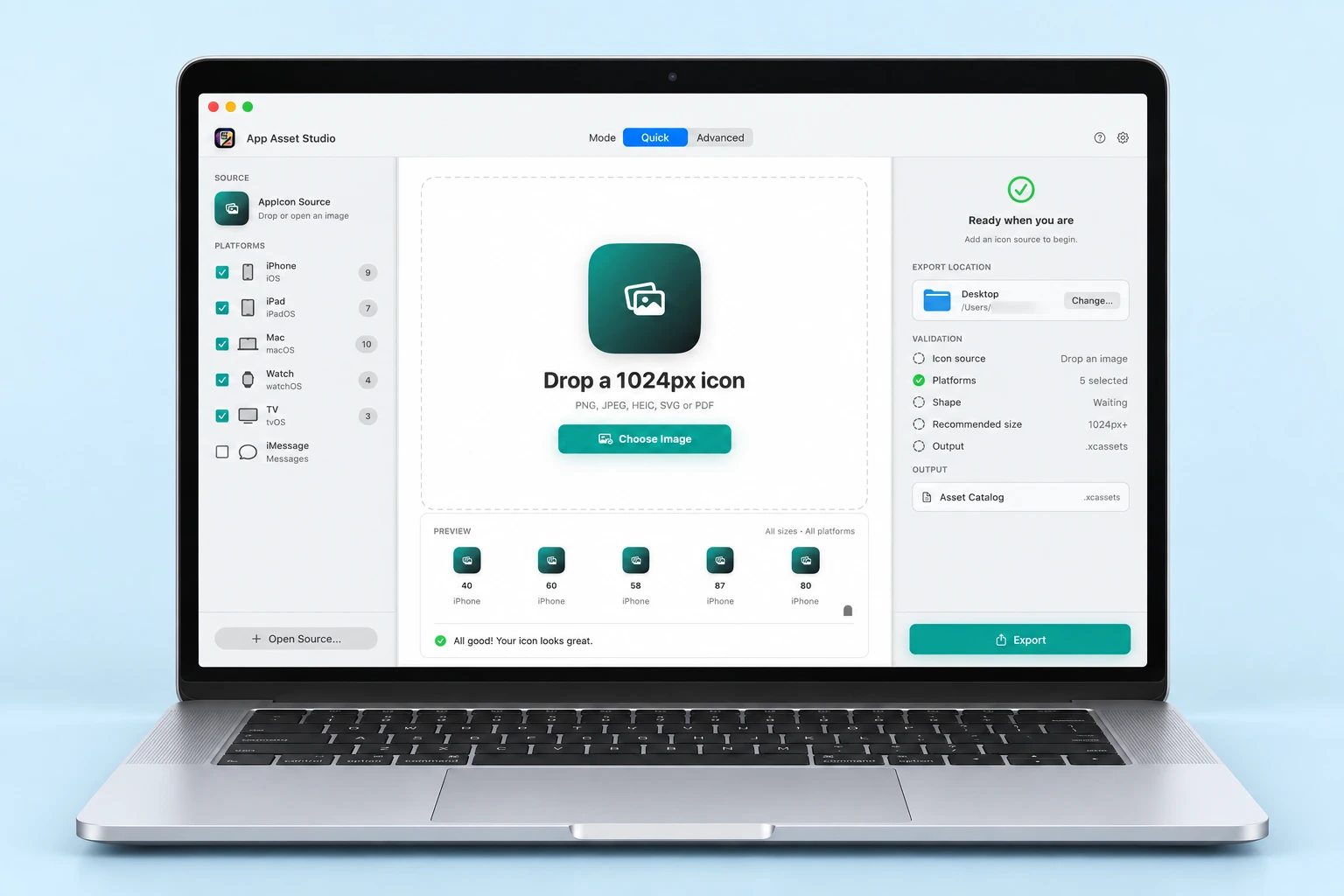
App Asset Studio
Spend less time preparing assets and more time making your app.
Take a closer look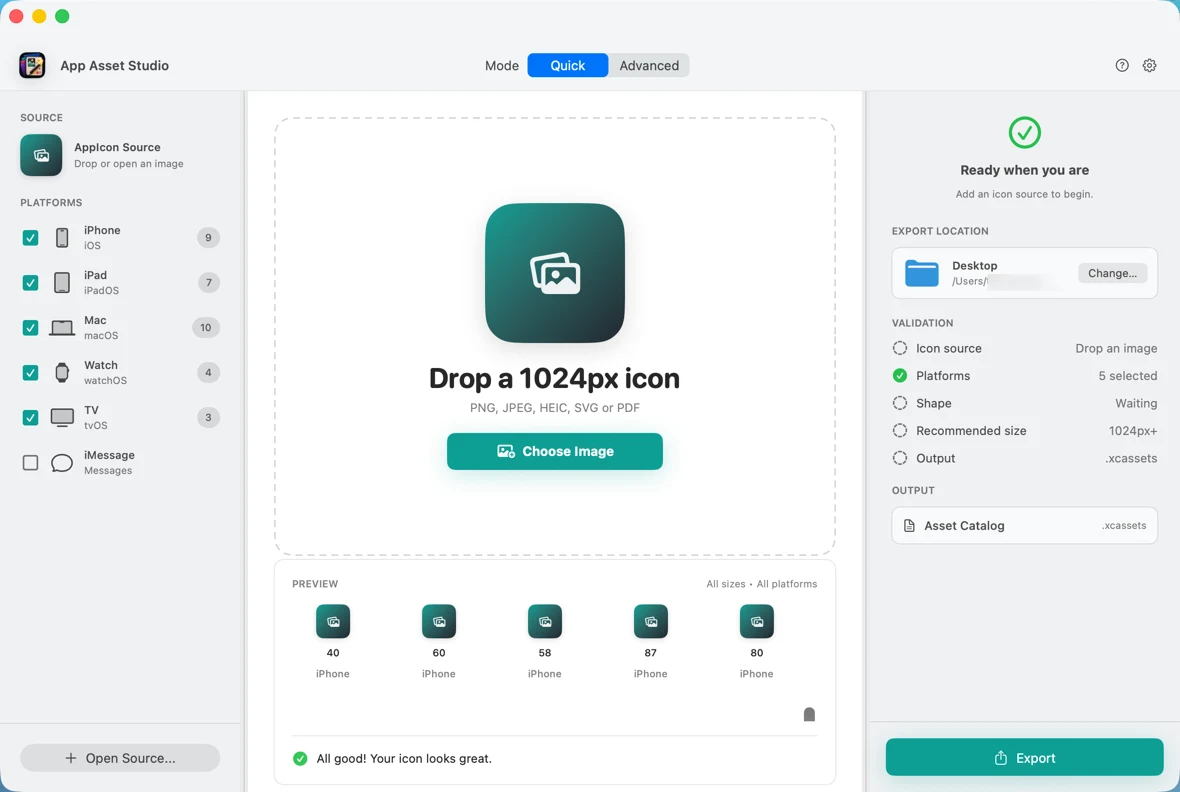
THE DETAILS MAKE THE DIFFERENCE
Bring in a source image and prepare assets for Apple platforms.
Generate organised asset catalogues with the required sizes and metadata.
Review your assets and choose the export that fits your project.
INSIDE APP ASSET STUDIO
Select a screen to explore.
Spend less time preparing assets and more time making your app.

Privacy and terms for the App Asset Studio application.